GoldenTealDuality
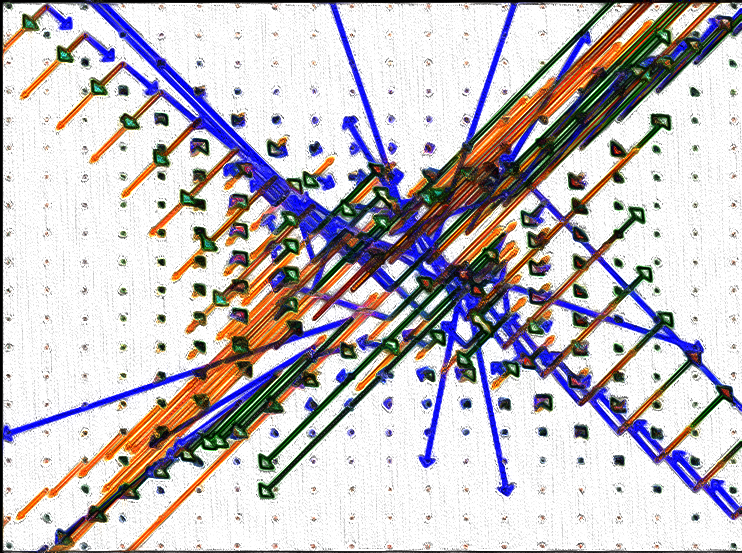
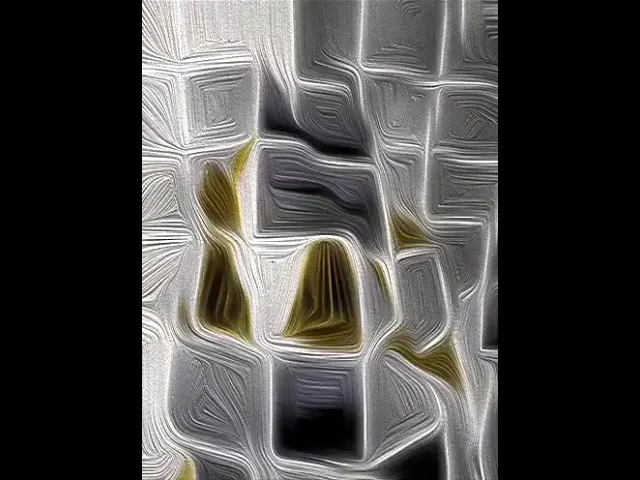
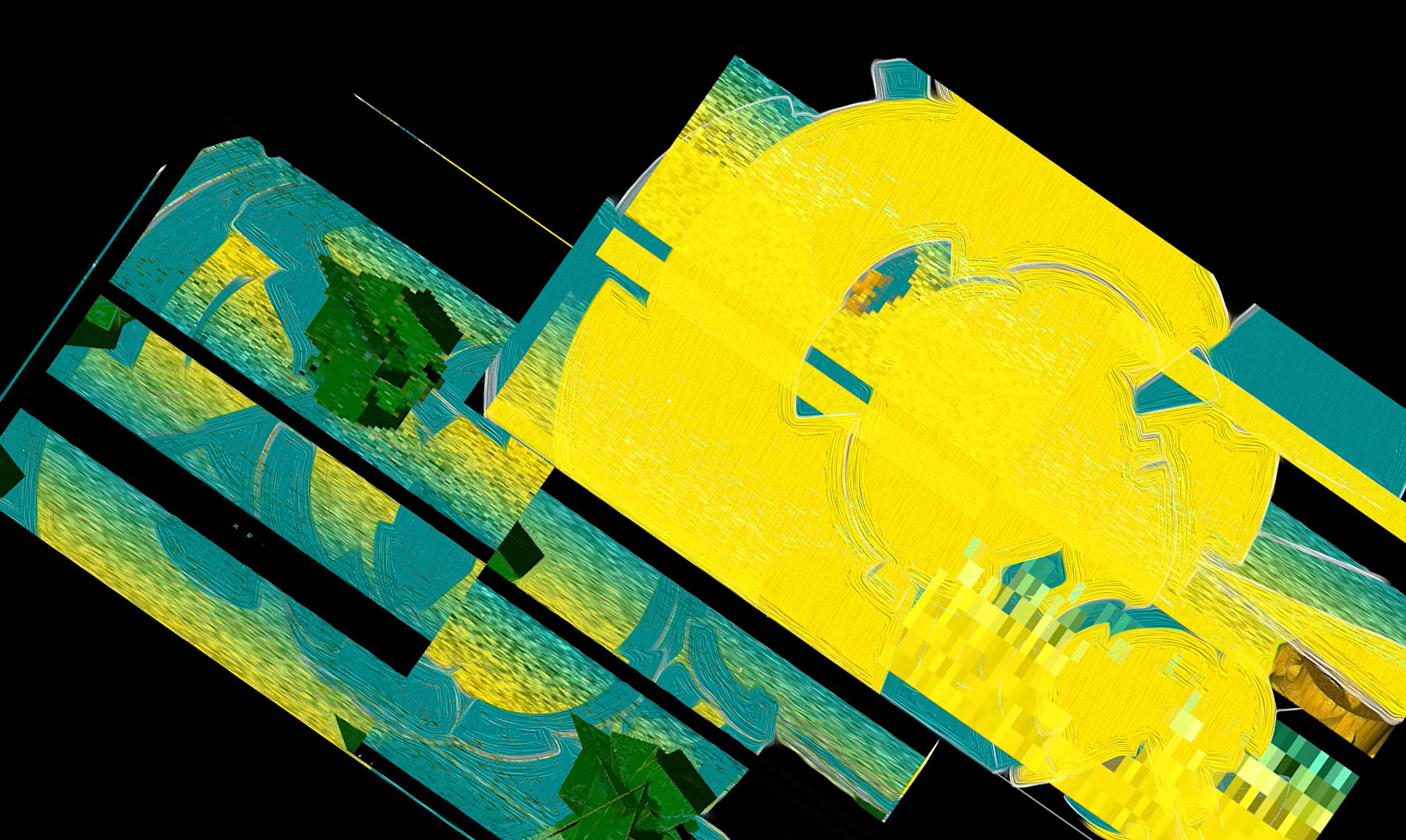
For this week's Creative Code Challenge by @sableraph: "Binary”, GoldenTealTerrain coded from LiveCodeLab, Python & HydraVideoSynth. Exploring the concept of Binary from a Color Standpoint(it contained only teal & gold), Sequencer (Sound is either On or Off) and Split Sketches (Two Sketches at all times).
Poem
Teal and Gold
Are the hues
That perform on this pixel based stage
To the binary nature of this particular page
Where the hues are the only two
To roam this space
Teal and Gold
What does their motion hold?
Video
Code
LiveCodeLab Visual
if time % 18 > 12
	simpleGradient teal,gold,teal
else if time % 18 < 6
	simpleGradient gold, gold,teal
else
	simpleGradient teal,gold,gold

if time % 4 > 2
	ambientLight teal
else
	ambientLight gold


100 + ((time % 10 + 10) * 10) times with i
	scale 0.96
	rotate Math.cbrt(time), Math.sqrt(Math.cbrt(time)) * 4
	move -cos(time)/(time % 10 + 3),-cos(wave(time))/(time % 10 + 7),-sin(time)/10
	if time % 10 > 5
		fill gold
		stroke teal
		peg
	else
		fill teal
		stroke gold
		box i % 2, i % 3, i % 4
LiveCodeLab Audio
if time % 30 > 15
	bpm 44
	play 'tranceKick'  ,'-x-x-x-x x---xx--xx'
	play "snap" + int(random 4) ,'x-x---xx---x'
	play "tic" ,'x--x--xx'
else
	bpm 88
	play "snap" + int(random 3) ,'x-x--xx-xx--xx---x'
	play 'tranceKick'  ,'-x-- -x-x --x-------xx'
	play "highHatOpen"  ,'x--x---------x--'
	play "siren" + int(random 4) ,'x--xx---xxx--xx----x'

play "tweet" + int(random 6) ,'x--x--xx----xxx----xxxx----xxxxx'
Python Pie Combinations
#binary pie charts with teal and gold

import matplotlib.pyplot as plt
import numpy as np
import random as rd

#part 1
y = np.array([40, 30, 25, 15,5])
hues = rd.choices(["teal","gold"], k=5)
pieSpread = [0.012, 0.428, 0.0001, 0.550,1.2]

#part 2
y2 = np.array([50, 40,10, 25, 105,25,50,19,31])
hues2 = rd.choices(["teal","gold"], k=9)
pieSpread2 = rd.choices([0.72, 0.45, 0.121, 0.345,0.1,0.812,0.72,0.18],k=9)

#part 3
y3 = np.array([40, 30, 25, 15,40])
hues3 = rd.choices(["teal","gold"], k=5)
pieSpread3 = [0.52, 0.28, 0.91, -1.25,0.2]


#different pie makeups
plt.pie(y, explode = pieSpread,colors = hues, startangle = 12, shadow = True)
plt.pie(y2, explode = pieSpread2,colors = hues2, startangle = 34, shadow = True)
plt.pie(y3, explode = pieSpread3,colors = hues3, startangle = 45, shadow = True)
plt.pie(y3-y, explode = pieSpread3,colors = hues3, startangle = 85, shadow = True)
plt.pie(abs(y3-y), explode = pieSpread3,colors = hues3, startangle = 85, shadow = True)
plt.pie(abs(y3+y), explode = pieSpread3,colors = hues3, startangle = 44, shadow = True)
Python
#binary pie charts with teal and gold

import matplotlib.pyplot as plt
import numpy as np
import random as rd

#part 1
y = np.array([40, 30, 25, 15,5])
hues = rd.choices(["teal","gold"], k=5)
pieSpread = rd.choices([0.72, 0.45, 0.121, 0.345,0.1,0.812,0.72,0.18],k=5)

#part 2
y2 = np.array([50, 40,10, 25, 105,25,50,19,31])
hues2 = rd.choices(["teal","gold"], k=9)
pieSpread2 = rd.choices([0.52, 0.28, 0.91, -1.25,0.2,0.172, 0.45, 0.121, 0.345,0.1,0.812,0.72,0.18],k=9)

#part 3
y3 = np.array([40, 30, 25, 15,40])
hues3 = rd.choices(["teal","gold"], k=5)
pieSpread3 = [0.52, 0.28, 0.91, -1.25,0.2]


#different pie makeups
plt.pie(y, explode = pieSpread,colors = hues, startangle = 12, shadow = True)
plt.pie(y2, explode = pieSpread2,colors = hues2, startangle = 34, shadow = True)
plt.pie(y3, explode = pieSpread3,colors = hues3, startangle = 45, shadow = True)
plt.pie(y3-y, explode = pieSpread3,colors = hues3, startangle = 85, shadow = True)
plt.pie(abs(y3-y), explode = pieSpread3,colors = hues3, startangle = 14, shadow = True)
plt.pie(abs(y3+y), explode = pieSpread3,colors = hues3, startangle = 176, shadow = True)
HydraVideoSynth
s0.initScreen()

src(s0).pixelate([5,10,50,75,50,100,250,25,500,75],[50,150,10,250,50]).out(o0)
src(s0).pixelate([25,60,100,75,100,250,500],[50,150,200,225,250]).out(o3)

src(s0).scrollX([0.3,0.1,0.5,-0.1]).scrollY([0.3,0.1,0.5,-0.1]).scale([1,1.1,1.2,1.3,1.4,2.5,1.01]).out(o1)
src(s0).scrollX([0.3,0.1,0.5,-0.1]).scrollY([0.3,0.1,0.5,-0.1]).scale([2,1.1,2.2,1.3,1.4,2.5,1.3]).out(o2)

render()
Comments
Join the discussionNo comments yet. Be the first to comment.