KubicMon
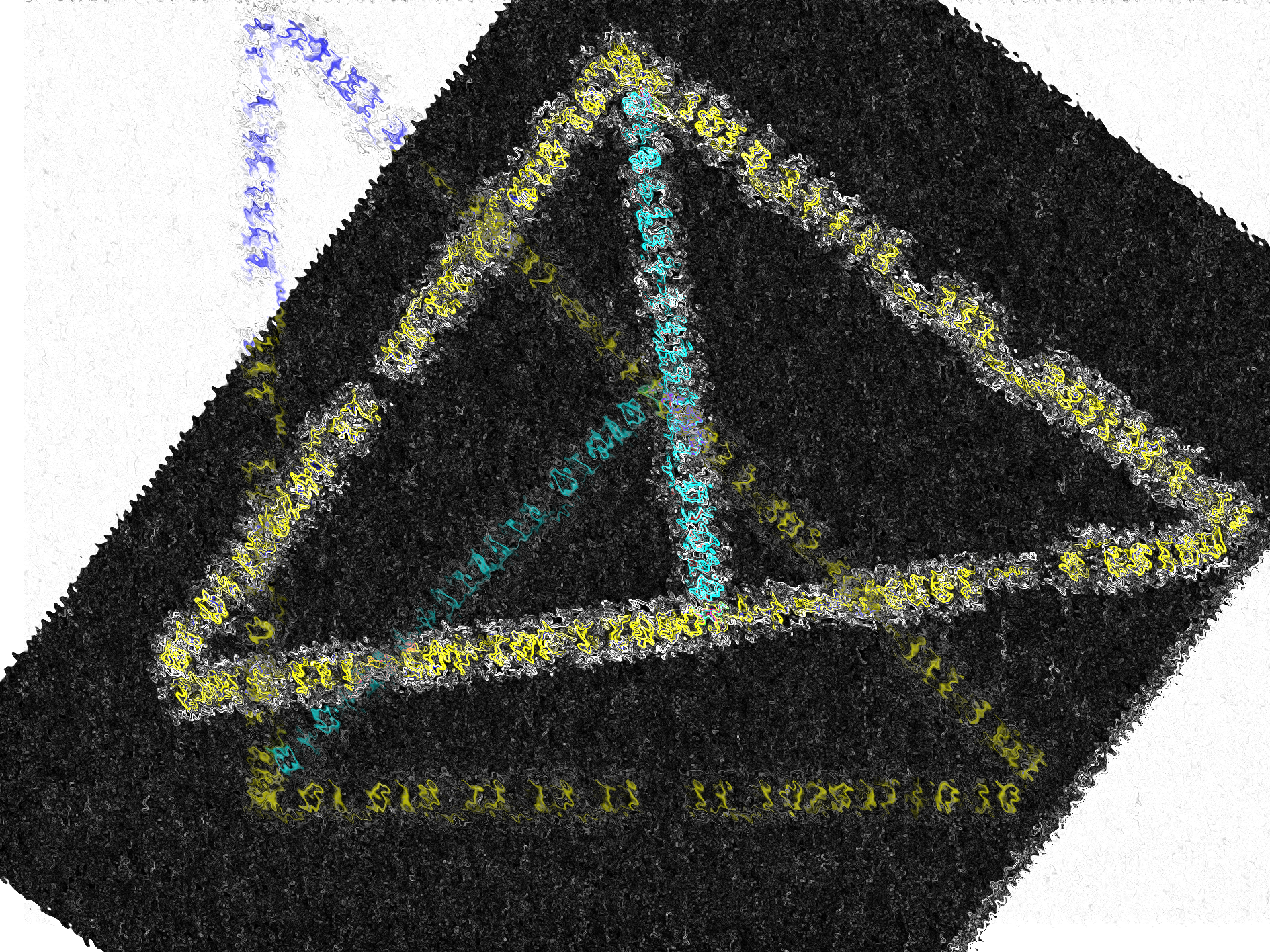
KubicMon is Coded in Python and uses Boolean (Prompt 7 of Genuary2026) to make mutated KubicMons (Prompt 29 of Genuary2026)
Which KubicMon Would You Chose?
Images


Python Code
#https://matplotlib.org/stable/gallery/mplot3d/voxels.html - remixing
#Adding Boolean Elements

import matplotlib.pyplot as plt
import numpy as np
import random as rd


def plotting(f):
    # prepare some coordinates
    x, y, z = np.indices((f, f, f))

    #then shuffling for mayhem

    rd.shuffle(x)
    rd.shuffle(x)
    rd.shuffle(y)
    rd.shuffle(z)

    # draw cuboids in the top left and bottom right corners, and a link between
    # them
    cube1 = (x < 3) & (y < 3)  | (( z < 3) ^  z > f)
    cube2 = (x >= 5) & (y >= 5) ^ (z >= 5)
    link = abs(x - y) ^ abs(y - ~z + x) + abs(z - ~x) <= f/6
    link2 =  abs(y - z) | abs(x - ~z) ^ abs(~y - ~x) >= (5 - f/10)

    colors = ['red','aqua','green','white','orange','violet','black','purple']

    palette = rd.choices(colors, k=20)


    if f % 2 == 0:
        if f % 3 == 0:
            voxelarray = cube1 ^ cube2 | link ^ link2
            # set the colors of each object
            colors = np.empty(voxelarray.shape, dtype=object)
            colors[link] =  palette[0]
            colors[cube1] = palette[1]
            colors[cube2] = palette[2]
            colors[link2] =  palette[12]
        else:
            voxelarray = cube1 | cube2 | link
            colors = np.empty(voxelarray.shape, dtype=object)
            colors[link] = palette[3]
            colors[cube1] = palette[4]
            colors[cube2] = palette[5]
            colors[link2] =  palette[13]
    else:
        if f % 5 == 0:
            voxelarray = cube1 ^ link ^(link2 + cube2)
            colors = np.empty(voxelarray.shape, dtype=object)
            colors[link] = palette[6]
            colors[cube1] = palette[7]
            colors[cube2] = palette[8]
            colors[link2] =  palette[14]

        elif f % 7 == 0:
            voxelarray = cube1 | link | link2
            colors = np.empty(voxelarray.shape, dtype=object)
            colors[link] = palette[9]
            colors[cube1] = palette[10]
            colors[cube2] = palette[11]
            colors[link2] =  palette[15]

        elif f % 9 == 0:
            voxelarray = cube1 | (link | link2)  ^ cube2
            colors = np.empty(voxelarray.shape, dtype=object)
            colors[link] = palette[1]
            colors[cube1] = palette[3]
            colors[cube2] = palette[7]
            colors[link2] =  palette[4]

        else:
            voxelarray = cube1 ^ cube2 ^ link2
            colors = np.empty(voxelarray.shape, dtype=object)
            colors[link] = palette[2]
            colors[cube1] = palette[12]
            colors[cube2] = palette[19]
            colors[link2] =  palette[17]


    # and plot everything
    ax = plt.figure().add_subplot(projection='3d')

    #add edgecolor to make the cubes pop more
    ax.voxels(voxelarray, facecolors=colors, edgecolor=palette)
    plt.axis('off') # Hide all axes
    plt.show()

    if f == 1 or f == 0:
        return 1
    else:
        return plotting(f - 1)

plotting(29)
Comments
Join the discussionNo comments yet. Be the first to comment.