ChromaticSnakePoetry
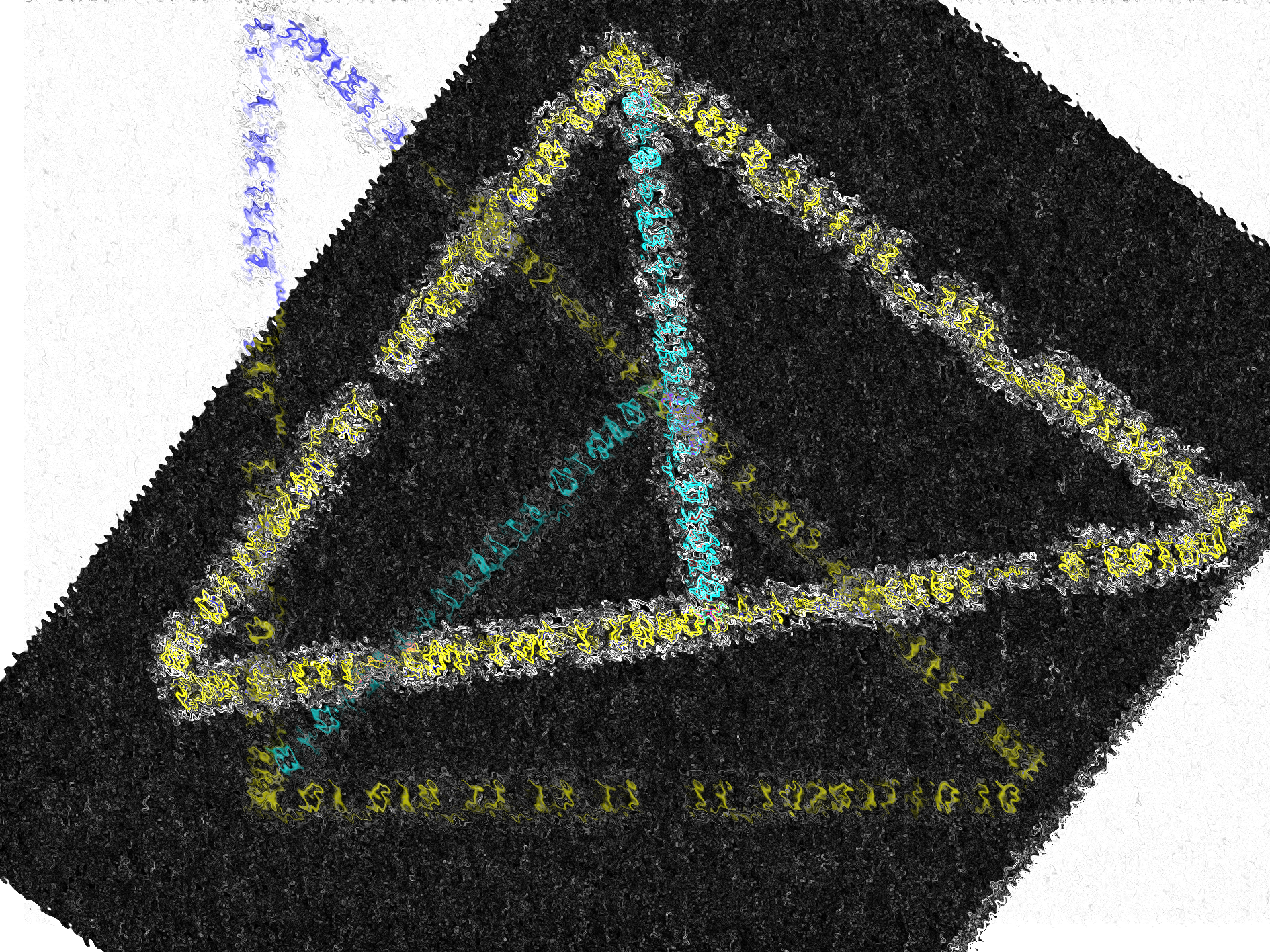
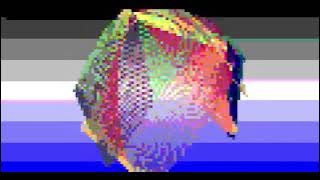
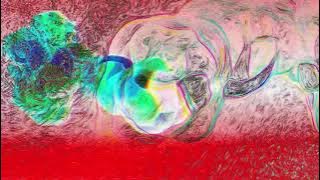
For this week's Creative Code challenge by @sableRaph: “ Snake ”, ChromaticSnakePoetry takes the Chromatic Poetry Series: 18 Words Speaking [https://colorscape.illestpreacha.com/poetic-communication-visualization] and turns into a snake inspired theme.
The Poems were coded in P5js to take a snake-like shape through the rules of 18 Words Speaking. While the additional Data Visualization of the poems were done with a snake plot (Snake plot is the term used to describe a line chart on its side. So rather than the lines running left-right (x-axis) they run up-down (y-axis) - QResearchSoftware) in Python.(since pythons are snakes). Additional Edits were made to enhance the chromatic feeling.
Poetry & Image
ZED
Zoos Encroaching Diabolically in Multidimensional Universes
Consuming the resource of sentient entities
In whatever format, deemed efficient availability


SSS
Sunsets Sink Sincerely
Flaunting Fabolously Forever
Inside, Internally Inciting

Where The Winter
Worries About These
Thoughts and Tinkerings


FFF
Following Finite Faces
To The Top
Inside, Internally Integrating

Moments upon Moments
Time after time
Thoughts and Tinkerings


Code
P5js
General
function setup() {

  createCanvas(1200, 1200);
    background('black')

//the color of the "snake" represents the color associated with the starting letter

color_dictionary={


"A": color(140, 156, 93),
"B": color(246, 166, 0),
"C": color(86, 160, 211),
"D":color(167, 13, 42),
"E": color(35, 18, 11),
"F": color(181, 51, 137),
"G": color(228, 163, 0),
"H":color(0, 150, 214),
"I": color(180, 216, 231),
"J": color(248, 222, 126),
"K": color(62, 81, 132),
"L":color(248, 221, 92),
"M":color(246, 96, 171),
"N": color(42, 128, 0),
"O": color(72, 191, 145),
"P": color(0, 166, 147),
//"P": color(255,177,129),
"Q": color(0, 109, 117),
"R":color(247, 86, 96),
"S": color(250, 128, 114),
"T": color(255, 204, 0),
"U": color(147, 149, 151),
"V": color(243, 229, 171),
"W": color(114, 47, 55),
"X": color(245, 166, 160),
"Y": color(246, 227, 180),
"Z": color(110, 76, 65),
};
}

// color it through
function testrun(x,z,y,a)

{
  fill(x)
  stroke("white")
  while (y > 0)
  {
  square(50*a + 15*y,15 * z,15,15);
    y = y - 1
  }

}


// color it through
function testrun2(x,z,y,a)

{
  fill(x)
  stroke("white")
  while (y > 0)
  {
  square(15*z,50*a + 15*y,15,15);
    y = y - 1
  }

}
ZED
//ZED
 //first triplet
  testrun(color_dictionary[startChr[0][0].toUpperCase()],3,chr[0],1);
  testrun2(color_dictionary[startChr[0][1].toUpperCase()],7, chr[1],1);
  testrun(color_dictionary[startChr[0][2].toUpperCase()] ,16, chr[2],1.5);

//second triplet
  testrun2(color_dictionary[startChr[1][0].toUpperCase()],24,chr[3],5);
  testrun(color_dictionary[startChr[1][1].toUpperCase()],21, chr[4],7);
  testrun2(color_dictionary[startChr[1][2].toUpperCase()] ,40, chr[5],7);


//third triplet
  testrun(color_dictionary[startChr[2][0].toUpperCase()],34,chr[6],15);
  testrun2(color_dictionary[startChr[2][1].toUpperCase()],60, chr[7],11);
  testrun(color_dictionary[startChr[2][2].toUpperCase()] ,41, chr[8],18);

//fourth triplet
  testrun2(color_dictionary[startChr[3][0].toUpperCase()],3,chr[9],9);
  testrun(color_dictionary[startChr[3][1].toUpperCase()],34,chr[10],1);
  testrun2(color_dictionary[startChr[3][2].toUpperCase()] ,12, chr[11],11);

//fifth triplet
  testrun(color_dictionary[startChr[4][0].toUpperCase()],36,chr[12],8);
  testrun2(color_dictionary[startChr[4][1].toUpperCase()],30, chr[13],11);
  testrun(color_dictionary[startChr[4][2].toUpperCase()] ,48, chr[14],9);


//Sixth triplet
  testrun2(color_dictionary[startChr[5][0].toUpperCase()],46,chr[15],14);
  testrun(color_dictionary[startChr[5][1].toUpperCase()],53,chr[16],14);
  testrun2(color_dictionary[startChr[5][2].toUpperCase()] ,53, chr[17],16);
SSS
//SSS

//first triplet
  testrun(color_dictionary[startChr[0][0].toUpperCase()],3,chr[0],1);
  testrun2(color_dictionary[startChr[0][1].toUpperCase()],10.5, chr[1],1);
  testrun(color_dictionary[startChr[0][2].toUpperCase()] ,8.8, chr[2],2.8);

//second triplet
  testrun2(color_dictionary[startChr[1][0].toUpperCase()],24,chr[3],1);
  testrun(color_dictionary[startChr[1][1].toUpperCase()],13.4, chr[4],6.9);
  testrun2(color_dictionary[startChr[1][2].toUpperCase()] ,34, chr[5],3.7);


//third triplet
  testrun(color_dictionary[startChr[2][0].toUpperCase()],6.4,chr[6],12);
  testrun2(color_dictionary[startChr[2][1].toUpperCase()],47, chr[7],1.6);
  testrun(color_dictionary[startChr[2][2].toUpperCase()] ,16.4, chr[8],13.8);

//fourth triplet
  testrun2(color_dictionary[startChr[3][0].toUpperCase()],3,chr[9],9);
  testrun(color_dictionary[startChr[3][1].toUpperCase()],34,chr[10],1);
  testrun2(color_dictionary[startChr[3][2].toUpperCase()],7.5, chr[11],10);

//fifth triplet
  testrun(color_dictionary[startChr[4][0].toUpperCase()],31,chr[12],8);
  testrun2(color_dictionary[startChr[4][1].toUpperCase()],30, chr[13],9.3);
  testrun(color_dictionary[startChr[4][2].toUpperCase()] ,34,chr[14],9);


//Sixth triplet
  testrun2(color_dictionary[startChr[5][0].toUpperCase()],38,chr[15],12);
  testrun(color_dictionary[startChr[5][1].toUpperCase()],45,chr[16],11.5);
  testrun2(color_dictionary[startChr[5][2].toUpperCase()] ,42.5, chr[17],12);
FFF
//FFF
  //first triplet
  testrun(color_dictionary[startChr[0][0].toUpperCase()],3,chr[0],0.5);
  testrun2(color_dictionary[startChr[0][1].toUpperCase()],10.5, chr[1],1);
  testrun(color_dictionary[startChr[0][2].toUpperCase()] ,10.8, chr[2],2.8);

//second triplet
  testrun2(color_dictionary[startChr[1][0].toUpperCase()],24,chr[3],1.9);
  testrun(color_dictionary[startChr[1][1].toUpperCase()],13.4, chr[4],6.9);
  testrun2(color_dictionary[startChr[1][2].toUpperCase()] ,34, chr[5],3.7);


//third triplet
  testrun(color_dictionary[startChr[2][0].toUpperCase()],6.4,chr[6],12);
  testrun2(color_dictionary[startChr[2][1].toUpperCase()],47, chr[7],1.6);
  testrun(color_dictionary[startChr[2][2].toUpperCase()] ,16.4, chr[8],13.8);

//fourth triplet
  testrun2(color_dictionary[startChr[3][0].toUpperCase()],3,chr[9],9);
  testrun(color_dictionary[startChr[3][1].toUpperCase()],34,chr[10],1);
  testrun2(color_dictionary[startChr[3][2].toUpperCase()],7.3, chr[11],7.8);

//fifth triplet
  testrun(color_dictionary[startChr[4][0].toUpperCase()],31,chr[12],5);
  testrun2(color_dictionary[startChr[4][1].toUpperCase()],21.8, chr[13],8.3);
  testrun(color_dictionary[startChr[4][2].toUpperCase()] ,34,chr[14],6.3);


//Sixth triplet
  testrun2(color_dictionary[startChr[5][0].toUpperCase()],38,chr[15],8);
  testrun(color_dictionary[startChr[5][1].toUpperCase()],31,chr[16],11.5);
  testrun2(color_dictionary[startChr[5][2].toUpperCase()] ,42.5, chr[17],8);
Python
import matplotlib.pyplot as plt
import numpy as np

def snakeplotting_chromatic(x,min,max):


    #18 words

    triplet1 = [x[0],x[1],x[2]]
    triplet2 = [x[3],x[4],x[5]]
    triplet3 = [x[6],x[7],x[8]]

    triplet4 = [x[9],x[10],x[11]]
    triplet5 = [x[12],x[13],x[14]]
    triplet6 = [x[15],x[16],x[17]]

    Words = [1,2,3]

    fig = plt.figure()
    ax = fig.add_subplot(111)

    ax.plot(triplet1, Words, 'go--')
    ax.plot(triplet2, Words, 'rs-.')
    ax.plot(triplet3, Words, 'bo-.')
    ax.plot(triplet4, Words, 'co:')
    ax.plot(triplet5, Words, 'mo--')
    ax.plot(triplet6, Words, 'ys--')
    ax.xaxis.tick_top()

    ax.set_ylabel('word placement')
    ax.set_ylim(3.5, 0)
    ax.set_xlim(min, max)
    ax.set_xlabel('CharCount')

    plt.show()

----

#zed
snakeplotting_chromatic([4, 11, 12, 2, 16, 9, 9, 3, 8, 2, 8, 8, 2, 8, 6, 6, 9, 12],0,20)

#sss
snakeplotting_chromatic([7, 4, 9, 9, 10, 7, 6, 10, 8,5, 3, 6, 7, 5, 5, 8, 3, 10],2,11)

#FFF
snakeplotting_chromatic([9, 6, 5, 6, 10, 11, 6, 10, 8,7, 4, 7, 4, 5, 4, 8, 3, 10],2,13)
Comments
Join the discussionNo comments yet. Be the first to comment.