CastlingToSphere
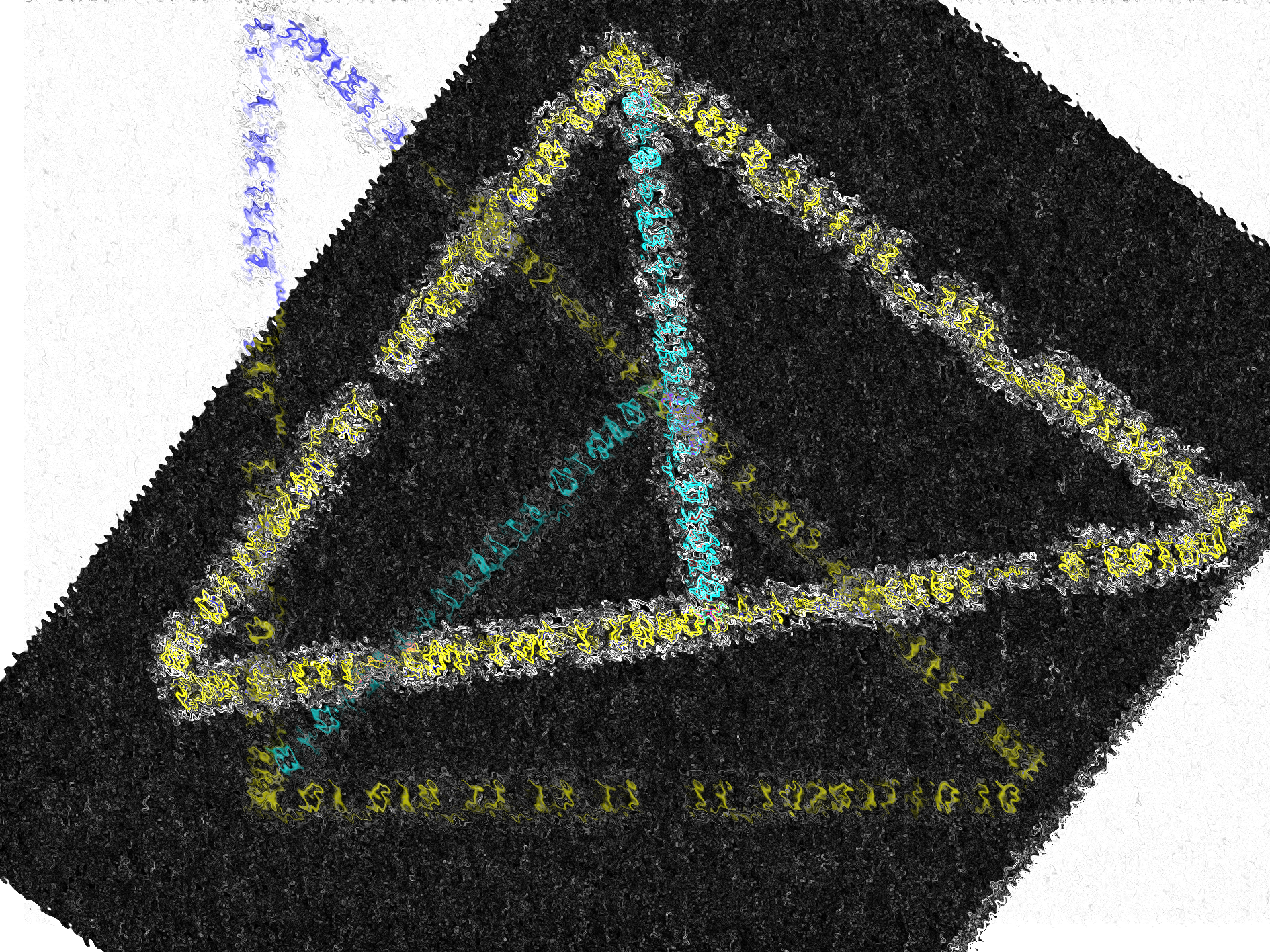
For MinaCoding2026 Day 4 & 13: Castles & Print , CastlingToSphere coded in Python prints a Graphically Coded Castle(Rook) onto a Sphere.
Video
Python Code for Both Castles (Rooks)
import numpy as np
import seaborn as sns
import matplotlib.pylab as plt


# Rook Built
Castle = [[10,3,10,3,10,10,3,10,3,10],
     [10,3,10,3,10,10,3,10,3,10],
     [9,9,9,9,9,9,9,9,9,9],
     [7,7,7,7,7,7,7,7,7,7],
     [1,1,1,10,10,10,10,1,1,1],
     [1,1,1,9,9,9,9,1,1,1],
    [1,1,8,8,8,8,8,8,1,1],
    [1,8,8,8,8,8,8,8,8,1],
    [7,7,7,7,7,7,7,7,7,7],
    [9,9,9,9,9,9,9,9,9,9]]


Castle1 = [[10,3,10,10,3,10],
     [7,7,7,7,7,7],
     [1,8,8,8,8,1],
     [1,2,9,9,2,1],
     [1,2,9,9,1,1],
     [3,11,11,11,11,3]]


def battle(letter):

    spelling = letter

    return spelling


def plotting(x,color):
    letters = ['A','B','C','D','E','F','G','H','I','J'] #set for the columns
    uniform_data = x
    ax = sns.heatmap(uniform_data, linewidth=0.5,cmap=color,cbar=False) #changing it to blue for ocean representation
    ax.set_xticklabels(letters) #setting the ticks of the x axis to letters
    plt.axis('off')
    plt.show()


    return x

def plotting2(y,color):
    letters = ['A','B','C','D','E','F'] #set for the columns
    uniform_data = y
    ax = sns.heatmap(uniform_data, linewidth=0.5,cmap=color,cbar=False) #changing it to blue for ocean representation
    ax.set_xticklabels(letters) #setting the ticks of the x axis to letters
    plt.axis('off')
    plt.show()

    return y

def Lettering(x):
    plotting(battle(x),"Reds")
    plotting(battle(x),"Greens")
    plotting(battle(x),"Blues")
    plotting(battle(x),"Oranges")
    plotting(battle(x),"coolwarm")
    plotting(battle(x),"YlOrBr")
    plotting(battle(x),"BuPu")
    plotting(battle(x),"YlGnBu")

Lettering(Castle)

def Lettering2(y):
    plotting2(battle(y),"Reds")
    plotting2(battle(y),"Greens")
    plotting2(battle(y),"Blues")
    plotting2(battle(y),"Oranges")
    plotting2(battle(y),"coolwarm")
    plotting2(battle(y),"YlOrBr")
    plotting(battle(y),"BuPu")
    plotting2(battle(y),"YlGnBu")

Lettering2(Castle1)
Comments
Join the discussionNo comments yet. Be the first to comment.