Mathober2026_Ellispes
Round Shapes
EllipsesOnLayered
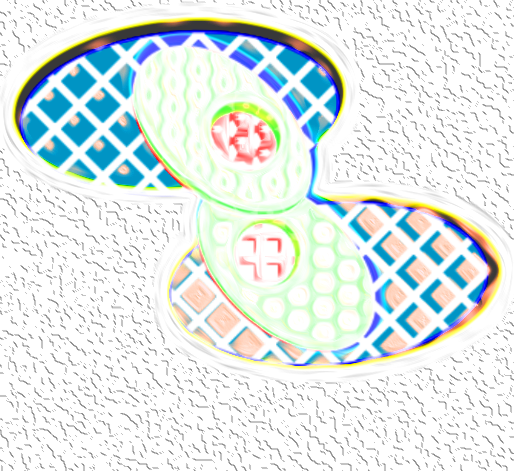
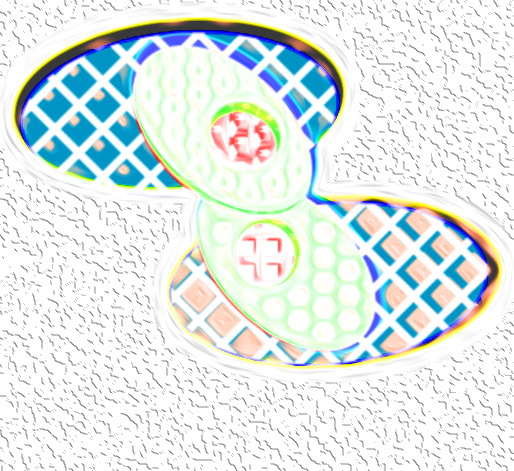
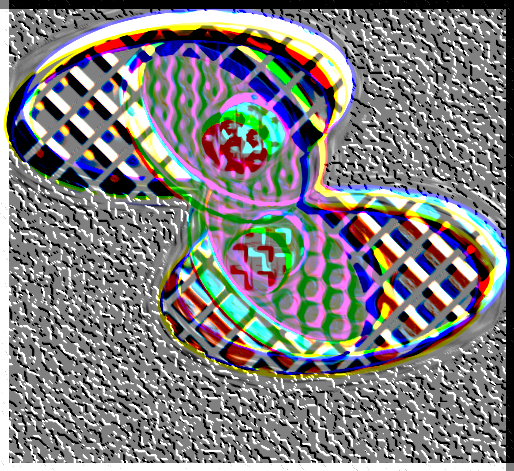
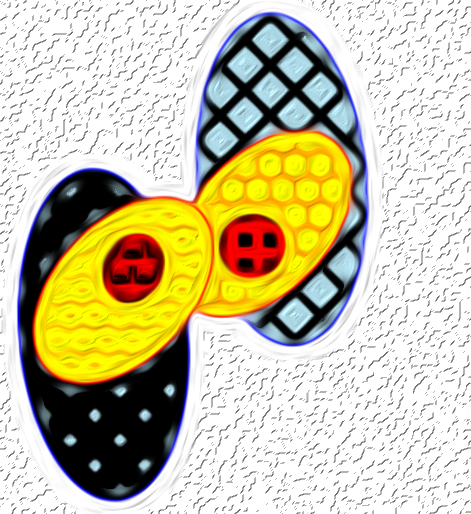
For my 1st sketch of #Mathober2026 coded in Python, EllipsesOnLayered takes the prompt of “Perimeter of Ellipses” and explores these shapes with perimeters that are overexposed.
Poetry
The Perimeter is layered, slightly fractured
But is still managing to maintain
The elements that it contains
With the pixelation that it captured
There are more ellipses to gain
Images
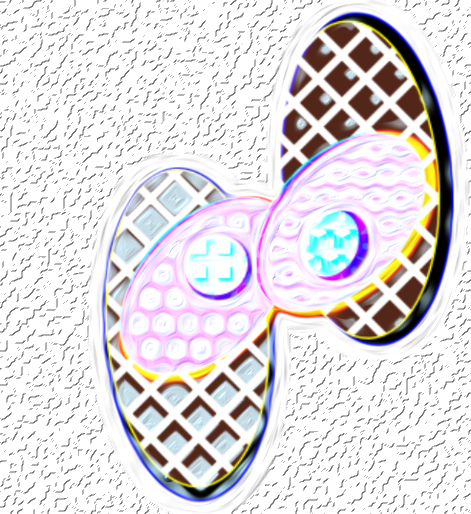
Python Code
import matplotlib.pyplot as plt
import numpy as np
from matplotlib.patches import Ellipse


fig, ax = plt.subplots()


# Ellipses Group 1
ellipse = Ellipse(xy=(4, 7), width=30, height=17, angle=96, edgecolor='blue',facecolor='lightblue',hatch = 'x',hatch_linewidth = 4, hatchcolor = 'black')
ellipse2 = Ellipse(xy=(2, 3), width=13, height=21, angle=130, edgecolor='red', facecolor='orange',hatch = 'o',hatch_linewidth = 6, hatchcolor = 'yellow')
ellipse3 = Ellipse(xy=(1, 1), width=7, height=6, angle=5, edgecolor='yellow', facecolor='black',hatch = '+',hatch_linewidth = 5, hatchcolor = 'red')

# Ellipses Group 2
ellipse4 = Ellipse(xy=(-14, -7), width=30, height=17, angle=96, edgecolor='blue', facecolor='lightblue',hatch = 'x',hatch_linewidth = 12, hatchcolor = 'black')
ellipse5 = Ellipse(xy=(-12, -3), width=13, height=21, angle=130, edgecolor='red', facecolor='orange',hatch = 'O',hatch_linewidth = 4, hatchcolor = 'yellow')
ellipse6 = Ellipse(xy=(-11, -1), width=7, height=6, angle=45, edgecolor='yellow', facecolor='black',hatch = '*',hatch_linewidth = 3, hatchcolor = 'red')


ax.add_patch(ellipse)
ax.add_patch(ellipse2)
ax.add_patch(ellipse3)

ax.add_patch(ellipse4)
ax.add_patch(ellipse5)
ax.add_patch(ellipse6)


ax.set_xlim(-25, 25)
ax.set_ylim(-25, 25)
ax.set_aspect(1.12)
plt.show()
Comments
Join the discussionNo comments yet. Be the first to comment.